-->

Adobe PDF Unlocker – Easy Process to Unlock Adobe

SysTools PDF Unlocker software is a simple and intuitive Adobe PDF unlocker tool that you can easily use to unlock Adobe PDF files.

Have you forgotten the password of your locked Adobe PDF files yourself and facing difficulty due to it? Do you need an easy-to-use Adobe PDF unlocker software tool to remove PDF restrictions so that you can perform the operations on your PDF files easily? SysTools PDF Unlocker software is a tool you can rely for easy process to unlock PDF files, as it is an offering by SysTools – a company specializing in producing simple and intuitive products. SysTools PDF Unlocker tool will help you unlock PDF and remove restrictions from those PDF files to perform the functions like editing, copying, and printing etc.   

Easiness Benefits You Can Avail:

Using SysTools PDF Unlocker tool, you can get the following easiness benefits:

  • User-friendly and a clean-cut interface
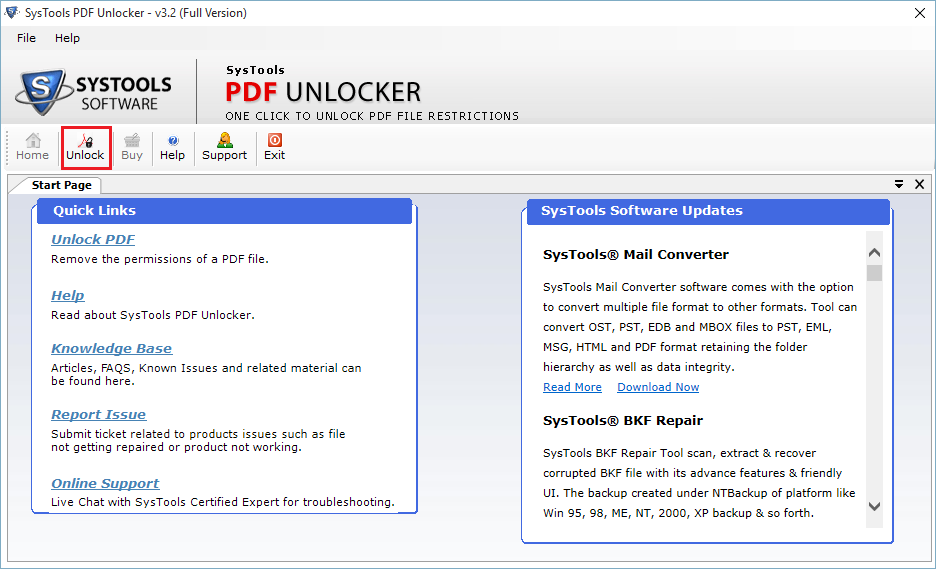
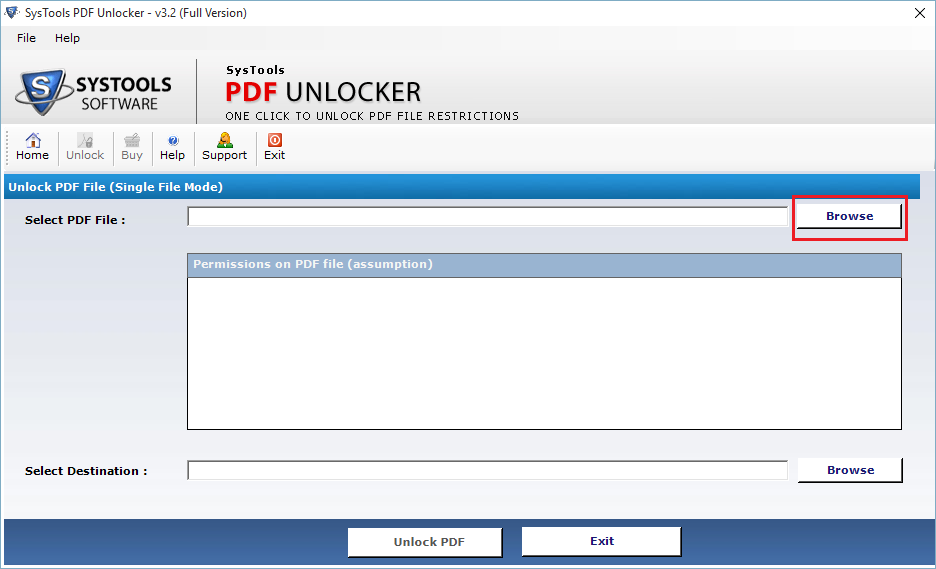
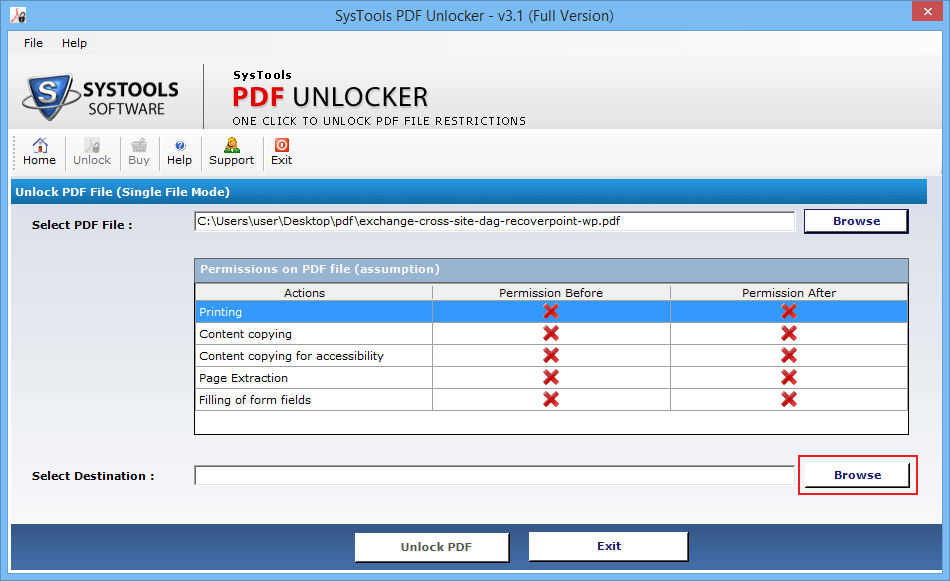
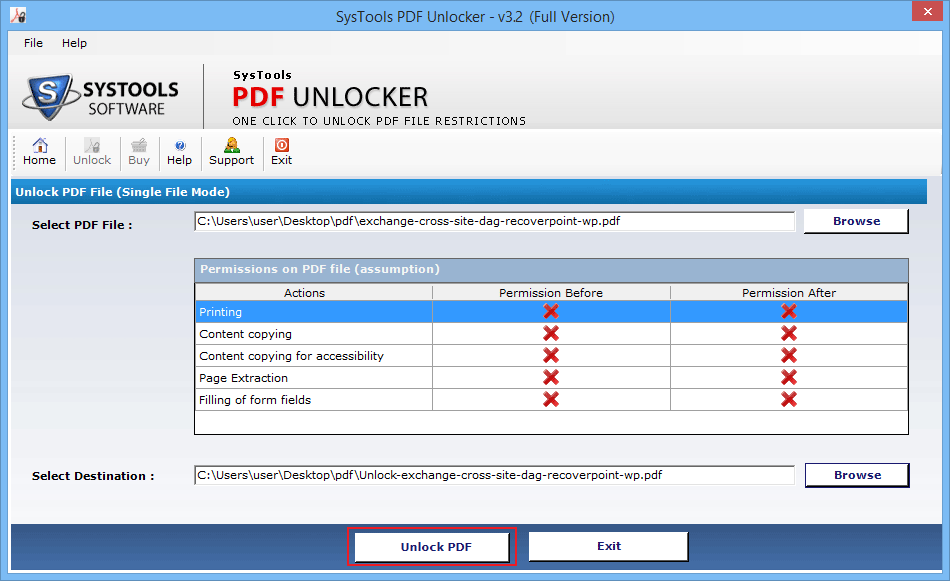
  • Self-narrative screenshots instructions
  • Easy to follow process to break PDF restrictions
  • Simple steps of the process to unlock PDF file restrictions
  • Simple Steps explained on our website, which make it easier for you to utilize this Adobe PDF unlocker
  • Steps also explained in the software help manual
  • Assistance available 24x7 to guide you in case of any question

Download Demo Version FREE of Cost

Download PDF Unlocker Software to Unlock Restricted PDF Files

Remove Adobe PDF Restrictions to Perform the Roles: You can use SysTools PDF Unlocker tool to unlock PDF restrictions from your locked PDF documents to perform the following functions:

  • Unlock Adobe PDF file for performing the printing function
  • Unlock Adobe PDF file for performing the editing function
  • Unlock Adobe PDF file for performing the copying function
  • Unlock Adobe PDF file for performing the extracting function

List of Features:

Following are the key features of this Adobe PDF Unlocker software:

  • Remove Owner Passwords from Secured Adobe PDF Files: You can use out tool to remove Owner passwords from secured PDF files.
  • Execute Functions after unlocking Adobe PDF files: You can remove restrictions on editing, copying, printing and extracting PDF file protected by “Owner” passwords.
  • Most Adobe Acrobat Versions Supported: You can use PDF Unlocker tool on almost Adobe Acrobat versions (up to 9, even with 128-bit or 256-bit encryption).
  • Most Windows Versions Supported: This wide-ranging PDF Unlocker tool is feasible with most Windows versions (98 2000, 2003, ME, XP, Vista, and Windows 7).  

Full Version (Unlock Any Number of Adobe PDF Files): After trying the FREE Demo Version of PDF Unlocker (which is a facility to give you an idea of the working process of the tool and to acquaint you with out software), you can buy the Full Retail Version of SysTools PDF Unlocker software to unlock multiple PDF files and to remove restrictions from any number of PDF documents. You can unprotect/unlock UNLIMITED Adobe PDF files using this Full Pro Version of our software.  

Remove Owner Passwords: PDF files can be protected by two types of passwords: (I) the "User" password, (II) the "Owner" password. SysTools PDF Unlocker tool can be used only to remove the “Owner” passwords. You can remove the “Owner” passwords using our software but cannot remove the “User” passwords from the protected Adobe PDF documents

Important to Note:Understand carefully the following points before you start using our software:

  • If PDF File Is Protected By User Password: If your Adobe PDF file is protected by “User” password, then to Remove PDF restrictions from that file using our software, you must know the password for opening the document as SysTools PDF Unlocker tool will not remove the “User” password.  
  • If PDF File Is Protected By Owner Password: If your Adobe PDF file is protected by "Owner" password, then our software can help you unlock PDF after removing that ‘Owner’ password. You can perform the operations of copying of text, modification of the documents, printing of documents and extracting text from documents etc.